Product Owner AI Tools: A Practical Overview for 2026
An accountability-first overview of AI tools for Product Owners. Compare tools by the work they support, protect source material, and test one workflow in 30 minutes.
On this page
Last reviewed:
AI is finding its way into the ordinary work of product management: the notes after a customer interview, the backlog item that needs untangling, the decision someone needs to find before the next conversation. A Product Owner can ask an AI assistant to summarize fifty customer interviews, turn rough notes into a first draft of a Product Backlog item, or find a decision buried in a long Jira thread. The real work lies in choosing which recurring task deserves the tool's help.
That decision belongs with the Product Owner. The accountability for maximizing product value and effective Product Backlog management does not move to a model. AI can make information easier to retrieve and organize; the Product Owner still decides which customer problem to focus on, what evidence is sufficient, and which trade-off the product should make.
This is a working overview of the Product Owner AI tools worth evaluating in 2026. It compares them by the work they support, shows where each is limited, and ends with a 30-minute experiment you can run this week.
What Product Owners need AI for
Product work involves constant synthesis. Feedback arrives through interviews, support conversations, analytics, sales calls, and stakeholder requests. Product Backlog items need enough clarity for a useful conversation. Decisions need to remain visible after meetings. The Product Goal needs to stay in view while requests compete for attention.
AI is most useful when source material already exists and the next human action is clear. It can group themes in interviews, find duplicate language in a backlog, draft a decision record, or retrieve related work. These tasks absorb time without requiring the Product Owner to delegate judgment.
Start with a friction you can name. If you regularly lose an hour reconstructing why a backlog item moved, try AI-supported decision summaries. If intake is chaotic, test duplicate detection against a sample whose outcome the team already knows. A generic tool list is less useful than one repeated problem.
A Product Owner AI tools comparison
Prices, plans, and integrations change frequently, so treat this as a selection matrix rather than a procurement sheet. Confirm current terms with the vendor and with your security or data-protection colleagues before connecting company data.
Most tools listed offer free entry tiers and paid individual, team, or enterprise plans. Account type and workspace settings determine what data can be connected safely, so review the vendor's current terms and your organisation's data-protection requirements before adding company information. Where vendor-specific notes are important, the detail sections below cover them.
| Tool | Best for | Ecosystem fit | Key limitation |
|---|---|---|---|
| ChatGPT, Claude, or Gemini | Drafting, document comparison, question design, and structured analysis, useful for both individuals and teams | Indirect integration via copy-paste or approved connectors; shared prompt patterns scale well across a team | The Product Owner must provide relevant product context for useful output |
| Atlassian Rovo | Searching and summarizing Jira and Confluence work | Native to Atlassian Cloud; connectors extend retrieval to other tools. Strong team fit in existing Atlassian workspaces. | Useful retrieval can still surface incomplete or poorly maintained records |
| Linear Triage Intelligence | Routing incoming issues, suggesting properties, and surfacing likely duplicates | Native to Linear, designed for high-volume intake teams. Not a Jira or Confluence replacement. | Suggestions improve routing, but they do not resolve product priority |
| Dovetail AI | Research synthesis, transcript analysis, and source-linked insight work | Strong team fit for shared research repositories; integrates with research and collaboration sources but not backlog management | A theme or summary still needs interpretation against the sample and the research question |
| NotebookLM | Exploring a curated set of approved documents with citations | Individual or small shared notebook; controlled source sets can be exported from Jira, Linear, or Confluence | The notebook reflects the quality and currency of the source collection |
| Notion AI or Confluence AI | Meeting notes, decision records, and retrieval in the documentation workspace | Strong team fit where decisions are already documented; Confluence is native to Atlassian, Notion depends on the surrounding stack | A polished page can hide disagreement unless the record names it explicitly |
The important comparison considers how closely the tool sits to the evidence, whether it works within your organisation's data rules, and how effectively it removes a repeated delay in a product workflow.
General-purpose AI assistants
ChatGPT, Claude, and Gemini are useful when the work begins outside a dedicated product tool. They can compare a batch of Product Backlog items, prepare interview questions, turn rough notes into a first draft, or expose vague wording before refinement.
Use a general assistant as preparation for a conversation. Give it the Product Goal, intended users, and item texts. Ask it to flag duplicate language, unstated assumptions, dependencies, and questions that need an answer. Developers and stakeholders then have a clearer starting point for refinement.
Copy-and-paste prompt examples
Find duplicate language in a Product Backlog
You are helping me prepare for Product Backlog refinement.

Product Goal: [paste the Product Goal]
Intended users: [paste the users]

Review the 10 Product Backlog items below. Group items that appear to address the same problem. For each group, quote the overlapping language, identify any meaningful difference in user, outcome, risk, or dependency, and list the questions the team should answer before deciding whether to merge or reorder them.

Leave priority decisions to the team. When evidence is insufficient, identify what is missing.

[paste items]
Turn interview material into inspectable themes
Analyze the interview transcript below for the research question: [paste question].

Return:
1. Three to five candidate themes.
2. For each theme, the supporting quotes with participant identifiers.
3. Evidence that conflicts with the theme or makes it uncertain.
4. Open questions for the next interview.
5. A separate list of assumptions that are not supported by the transcript.

State the limits of the interview sample. Do not treat a theme as evidence of the wider market.

[paste approved transcript or notes]
Draft a decision record without inventing a decision
Create a draft decision record from these meeting notes.

Use these headings: decision made, evidence considered, alternatives discussed, assumptions, open questions, owner, and revisit date.

Quote the note that supports each statement. Record "No decision recorded" when the notes show no decision.

[paste notes]
AI inside backlog and delivery tools
Product Owners get more value when AI works where the backlog and its history are already visible. Jira users can evaluate Rovo for natural-language search, work-item summaries, and retrieval across connected information. Atlassian states that Rovo respects the permissions of Atlassian and connected apps, which makes configuration part of the evaluation rather than an administrative afterthought.
Linear's Triage Intelligence offers a narrower, useful test case. It analyzes incoming issues against workspace history and can suggest properties, relationships, and likely duplicates. The Product Owner can inspect the suggested relationship and the reason behind it before deciding what to do with the request.
Test these features against real historical examples. Take twenty incoming requests whose routing or duplicate status is already known. Measure how many suggestions are useful, how many need correction, and whether the review takes less time than the current intake process. That gives you evidence for a local decision instead of a feature-tour impression.
Research and customer insight tools
Dovetail can transcribe and summarize research material, help cluster themes, and answer questions over research data with links back to source material. It is particularly useful when the team needs to move from calls and support evidence to hypotheses that can be examined together.
NotebookLM supports another pattern: asking questions across a selected collection of documents while keeping answers tied to sources. A Product Owner might create a controlled notebook from approved interview summaries, support reports, and prior discovery notes, then ask where evidence agrees, where it conflicts, and which questions remain unanswered.
For both tools, preserve the trail from a finding back to the source. A theme represents an interpretation, and its supporting evidence informs a decision. Read the supporting quotes, check the participant mix, and decide whether the evidence changes the Product Backlog or simply creates a question for further discovery.
Documentation and decision support
Product work produces notes, decisions, drafts, and context that only help when people can find them again. Notion AI and Confluence AI can summarize meetings, draft pages from structured notes, and retrieve information from a workspace. They reduce the cost of maintaining a decision record.
After a discovery session, create a record that separates evidence, assumptions, open questions, and decisions. Correct it while the conversation is fresh and link it to the relevant Product Goal or Product Backlog items. A useful decision record says what was decided, why, which evidence supported it, what remains uncertain, and when the decision should be revisited.
Market and competitive research tools
Perplexity and similar research assistants can provide a fast first view of a competitor's public offering, a pricing page, or a change in customer language. Use them to map questions and locate sources, then open the most relevant sources. Publication date, market scope, and vendor marketing context can change the conclusion.
Getting started in 30 minutes
Do not begin by buying a toolkit. Run one small experiment with one tool and one workflow.
Minutes 0 to 5: pick the tool. Choose the tool you already have permission to use. If the work lives in Jira or Confluence, start with Rovo or the AI capability available in that workspace. If you have a set of approved documents, use NotebookLM. If your source is a short, non-sensitive batch of backlog text, use the approved general assistant.
Minutes 5 to 10: choose one workflow. Pick a recurring task with a clear result: identify duplicate language across ten backlog items; turn one interview transcript into themes and supporting quotes; or draft a decision record from one meeting.
Minutes 10 to 15: prepare the source. Remove or redact information that should not leave its approved system. Add the Product Goal, research question, or meeting purpose. Define what you want the tool to return and what it must not infer.
Minutes 15 to 25: run one prompt. Use one of the templates above without trying to optimize it. Keep the input and output so you can inspect where the result was helpful, vague, or wrong.
Minutes 25 to 30: decide whether to repeat. Ask three questions: Did this save time? Did it keep the evidence visible? Did it create a clearer conversation with the people who must act? Repeat the experiment next week only if the answer supports it.
Build a small toolkit around real work
For many Product Owners, three capabilities are enough: a general assistant for structured analysis, AI support in the existing work-management tool for retrieval and intake, and a research or knowledge tool connected to source material. Add another tool when it solves a recurring problem that these three cannot solve.
The single reminder is simple: treat AI output as a draft or a retrieval aid, and make the review point explicit. Check sources, name assumptions, and keep the Product Goal visible before an output changes a product decision.
Start with one tool this week
Pick one repeated task, run the 30-minute experiment, and share the output with one colleague who knows the context. Keep the version that makes the next product conversation clearer; discard the one that adds text without improving the decision.
If you want to build that judgment systematically, Agile Way's Professional Scrum Product Owner AI Essentials training connects AI use to Product Owner accountability and product decisions. The PSPO I or PSPO-AI Essentials comparison can help you choose the Product Owner certification that fits your context.
Further reading
- The Scrum Guide defines the Product Owner's accountability for product value and effective Product Backlog management.
- Scrum.org's Product Owner overview explains that accountability in more detail.
- Atlassian's Rovo data, privacy, and usage guidelines explain permissions, connectors, and retention.
- Linear's Triage Intelligence documentation explains suggested properties, relationships, and duplicate detection.
- Dovetail's AI documentation covers research summaries, source-linked answers, and clustering.
- Google's NotebookLM privacy guidance explains how data handling differs by account type and feedback settings.
Next step
Start with one tool this week: run the 30-minute experiment on a recurring Product Owner task, then keep only what improves the next product decision.
Frequently asked questions
Keep learning

Guide
PSPO I or PSPO-AI Essentials: Which Course Should You Choose?
PSPO I develops the broader Product Owner accountability in Scrum. PSPO-AI Essentials concentrates on using AI in product work. This comparison explains when each course fits and why some people benefit from taking both.

Guide
How to Pass the PSPO-AI Essentials Certification Exam
PSPO-AI Essentials validates your knowledge of applying AI within Product Ownership. Learn exam structure, focus areas, study resources, and preparation strategies from official Scrum.org materials.
Guide
AI for Product Owners: A Method for Better Daily Decisions
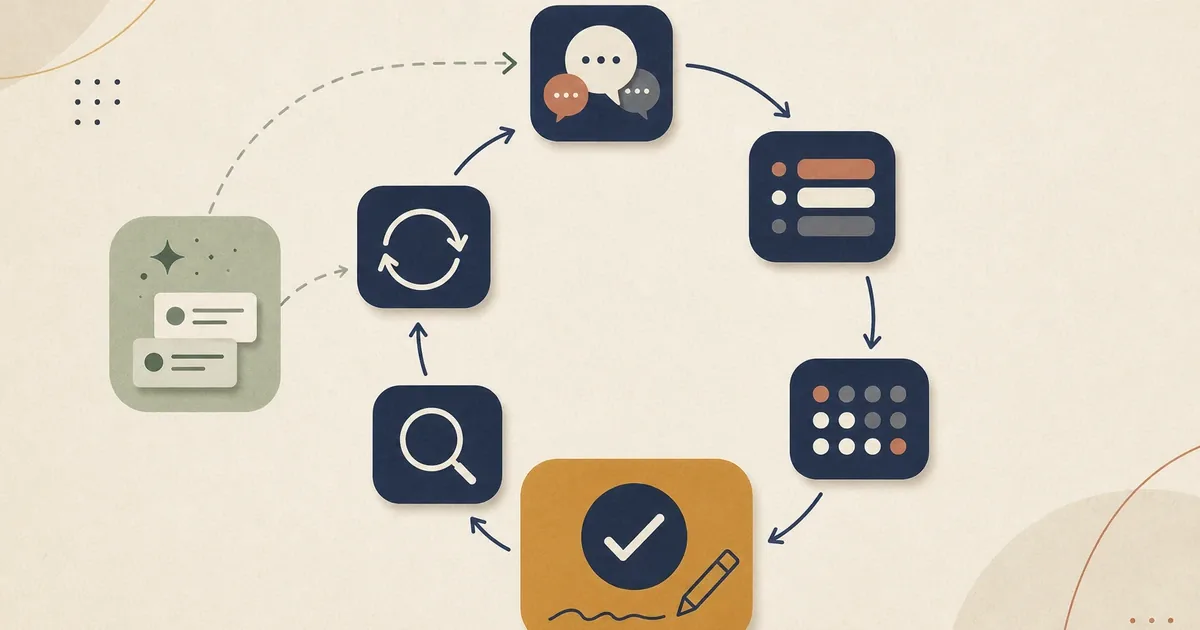
A four-step method for accountable AI-assisted Product Owner decisions: frame the decision, bound the context and data, challenge the output, validate evidence and decide.
Ready to go beyond the guide?
Take the next step with hands-on Professional Scrum training led by an experienced trainer.